How accurate is a LiDAR 3D scan?
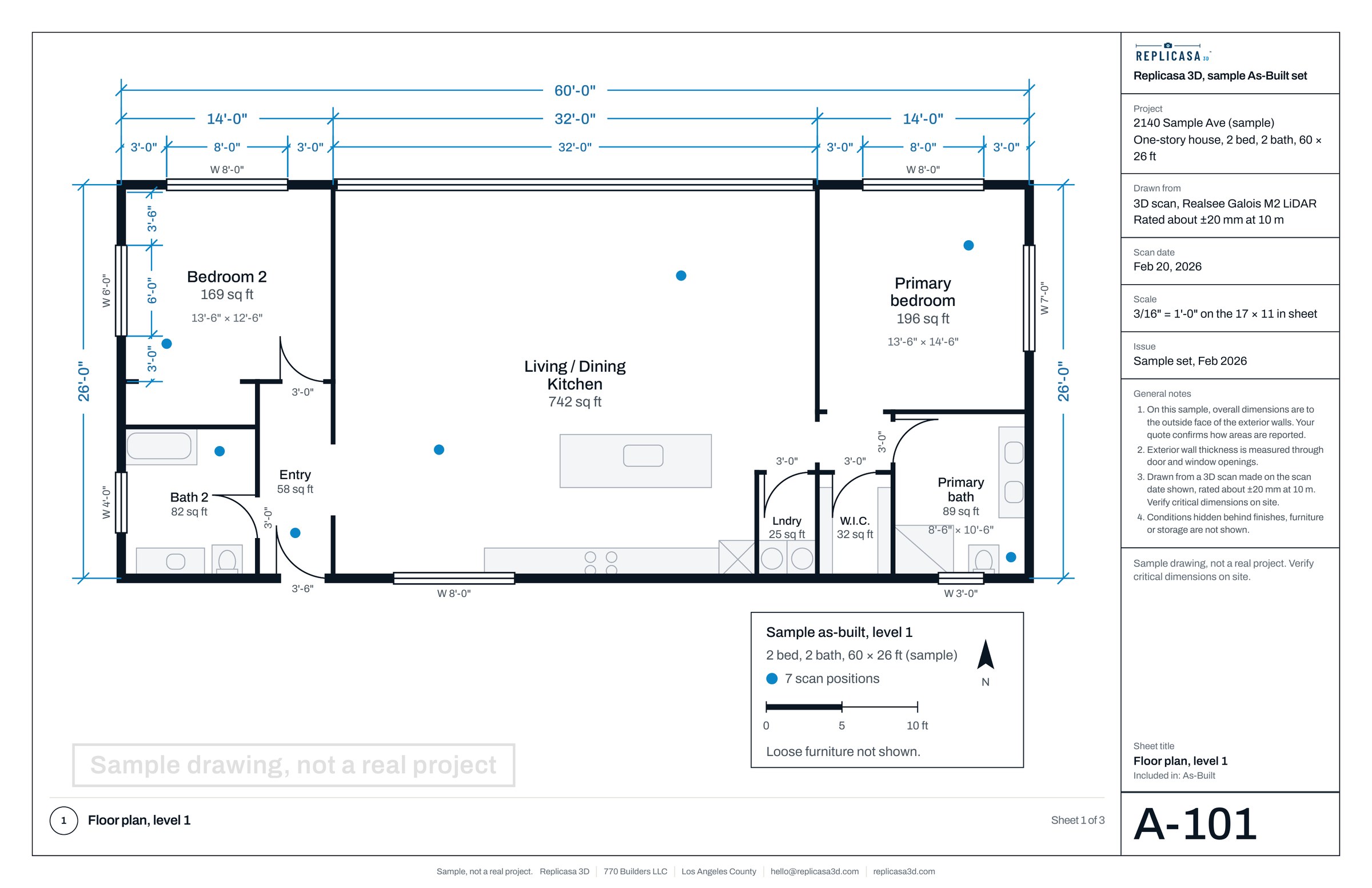
Short answer: the Realsee Galois M2 we use is rated at about ±20 mm at 10 m (33 ft), roughly ¾ in; most rooms are smaller than 10 m across. Here is what that means for your project.
What the number means
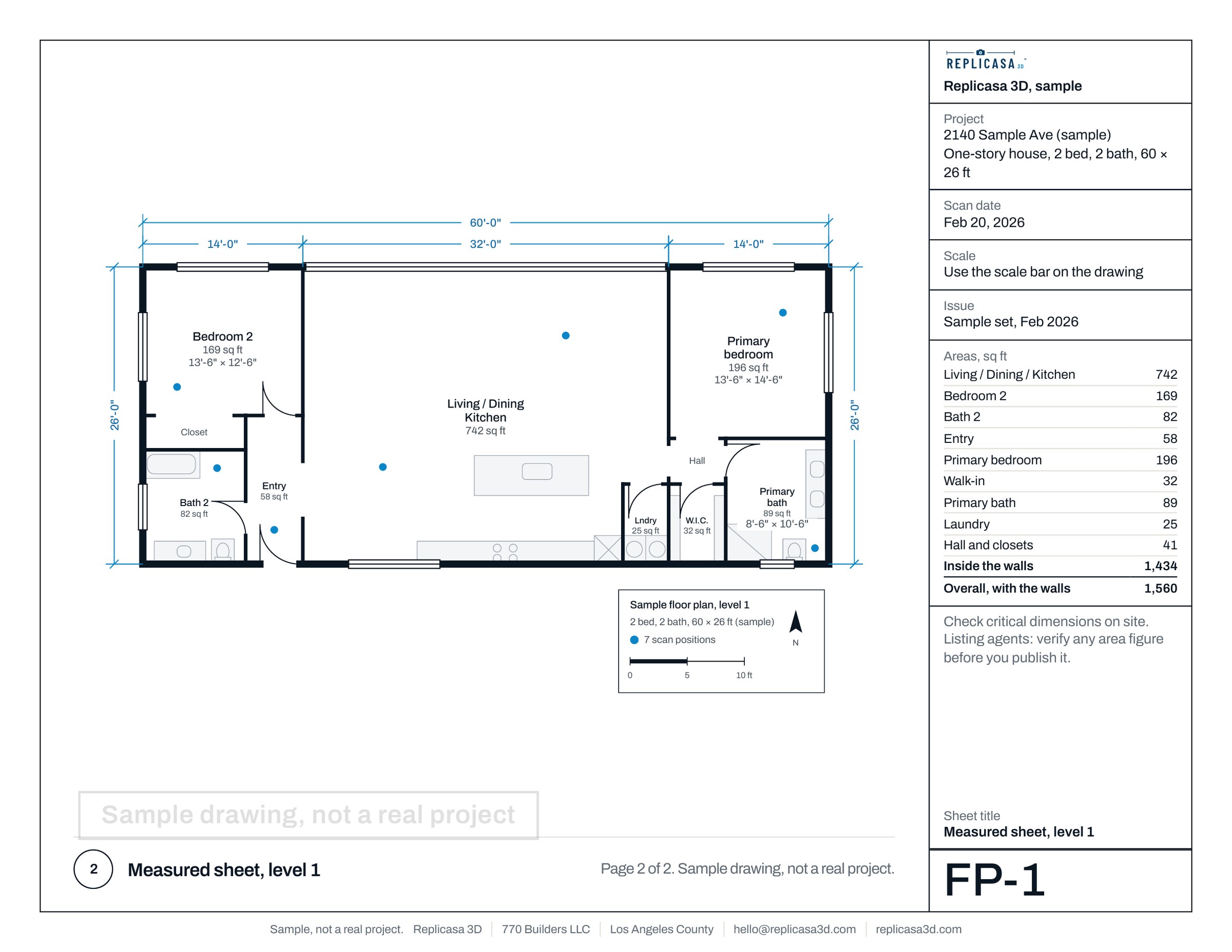
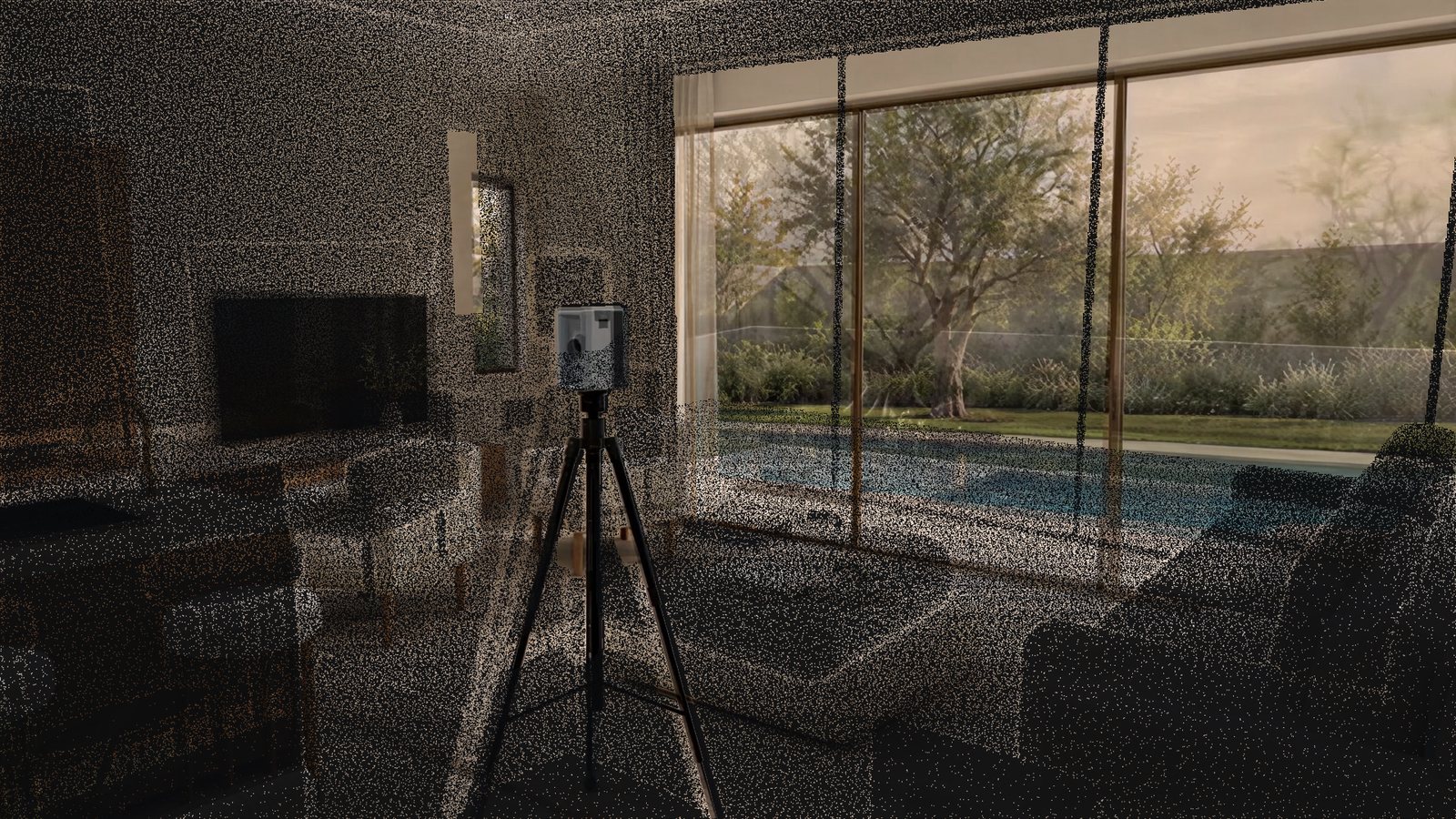
A LiDAR scanner measures distance with laser pulses. It turns on its tripod, sends out pulses in every direction and times how long each one takes to come back. Each return becomes a point in space, and millions of points together make the 3D model, the tour and the floor plan.
About ±20 mm at 10 m is the manufacturer’s rating for how far a measured point can sit from the real surface at that distance. It is a statement about single points, not about a whole room. A wall is drawn from thousands of points on its face, so a drawn wall is usually steadier than any one point on it. The drafted plan adds its own small tolerance on top, because a person or software decides where each line goes. That is why we say: check critical dimensions on site.
We set the scanner up in every room, and in long rooms more than once. That keeps the distance from the scanner to each surface short, well inside the 10 m the rating describes.
Accuracy by distance
The rating is given at one distance, 10 m. Error grows as the laser travels farther, so a surface close to the scanner is measured more tightly than one across a large room. The table shows what to expect in the rooms we usually scan. It describes where each distance happens and how it relates to the rating; it is not a separate manufacturer figure for each row.
| Distance | Where it happens | What to expect |
|---|---|---|
| Up to 3 m 10 ft | Bedrooms, baths, halls and closets, with the scanner in the room | Close range. Points are usually tighter than the rated figure. |
| 3 to 6 m 10 to 20 ft | Living rooms, open kitchens and most garages | Inside the rated distance. Points usually fall within the rated figure. |
| About 10 m 33 ft | Long open-plan rooms, lofts and small commercial spaces | About ±20 mm, roughly ¾ in: the rated figure. |
| Beyond 10 m over 33 ft | Large halls, warehouses and long facades | Outside the rating. We add scanner positions so surfaces are not measured from that far. |
These describe single points. A long dimension across several rooms also carries the small alignment differences explained below.
Source: Realsee Galois M2 specification, about ±20 mm at 10 m.
There is one more effect to know about. The scan of a house is many scanner positions joined together, each one aligned to the next where they overlap. Small alignment differences can add up along a long chain of rooms. Overlap between positions keeps that in check, and it is one reason we scan every room you book rather than skipping the small ones.
What affects the result
- Distance. Error grows with range. More scanner positions mean shorter distances to every wall.
- Angle. A laser that hits a surface straight on returns a cleaner point than one that grazes it. Long corridors scanned from one end are measured at a low angle near the far end; a position halfway down fixes that.
- Surfaces. Some materials return the laser poorly. See the list below.
- Furniture. Furniture can stay; we scan each room as it stands. Where a wall matters, clear what you can along it, because furniture hides the base of a wall.
- Movement. People or pets walking through a scan leave ghosts. We ask for an empty room while the scanner turns.
- Bright sun. Strong direct sunlight on a surface adds noise to the points there. Indoors it rarely matters; for a terrace or a facade, a cloudy day or a time without direct sun is better.
Surfaces that scan poorly
None of these stop a scan. They make the points on that surface noisy or missing, and the drawing then relies on the surfaces around them. We note them and add positions around them.
- Glass and windows. The laser passes through clear glass or bounces off it. The frame is measured; the pane is drawn between the frames.
- Mirrors. A mirror shows the laser a reflected room behind the wall. Large mirrors, such as a mirrored closet or a gym wall, are the most common cause of stray points in a home.
- Very dark, glossy finishes. Black lacquer, black granite and dark glossy tile return weak signals.
- Polished metal. Stainless appliances, chrome and brushed steel can scatter the laser.
- Water. A pool or a fountain does not give a usable surface. The coping and the deck around it do.
- Thin things. Cables, plants, railings with thin balusters and sheer curtains show up as soft, partial shapes.
Reading a plan with the rating in mind
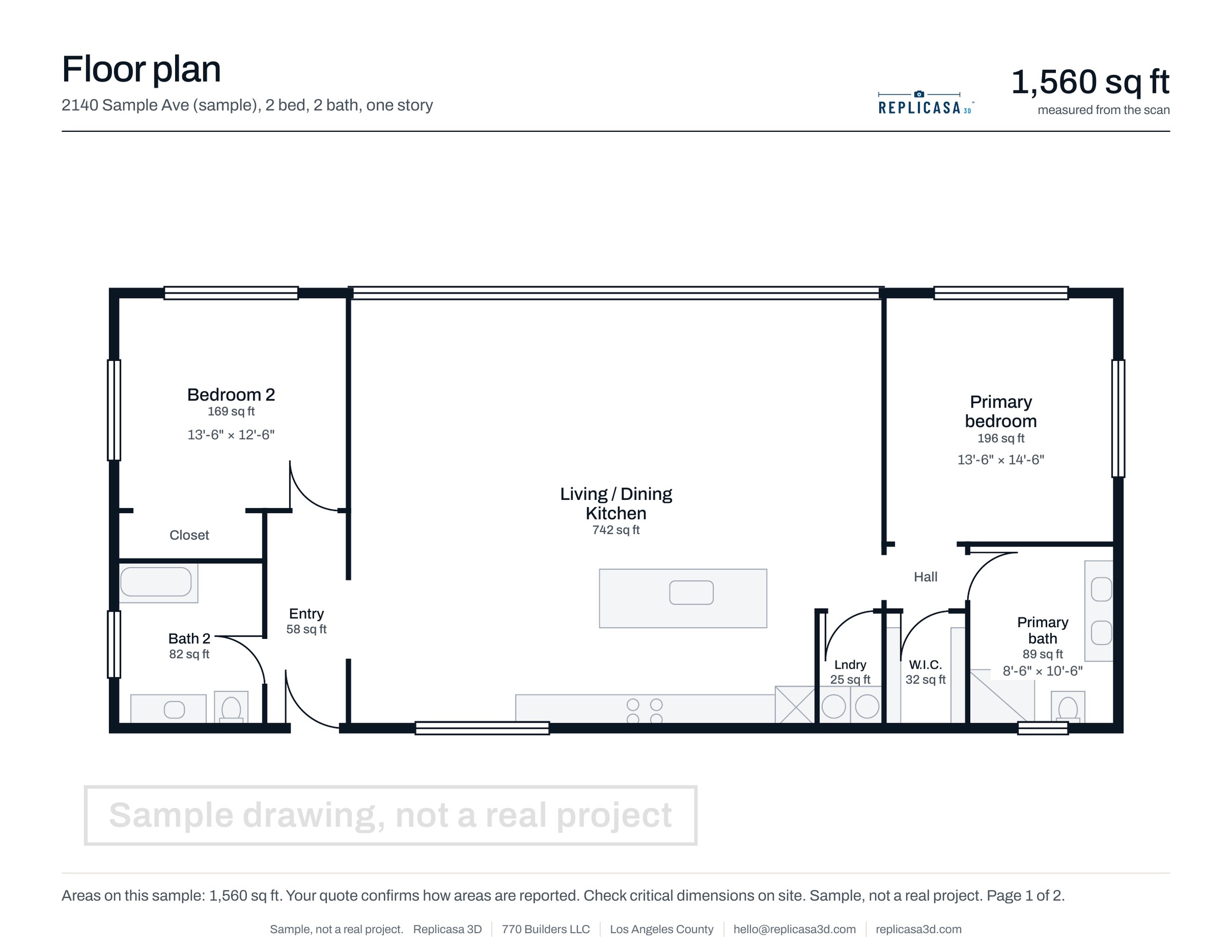
A plan drawn from a scan is a clean drawing of a building that is rarely perfectly square. Whether small out-of-square conditions are drawn as found or straightened is agreed in your quote, so tell us if it matters for your design. Room dimensions are read between finished wall faces, at a height clear of baseboards and furniture. If the plan and an old drawing differ by an inch or two, look at how each was made, and check the spot on site if it matters.
What a 3D scan is right for
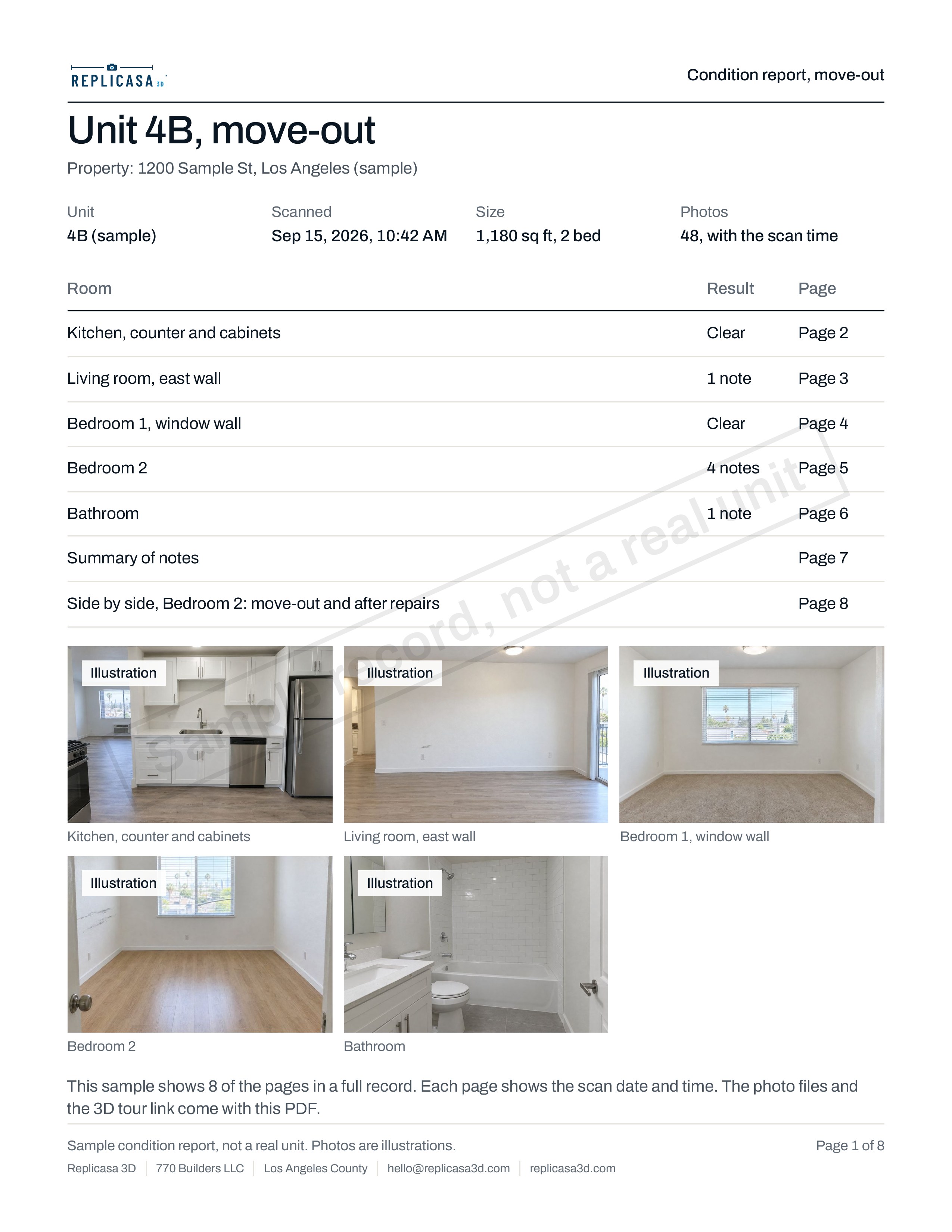
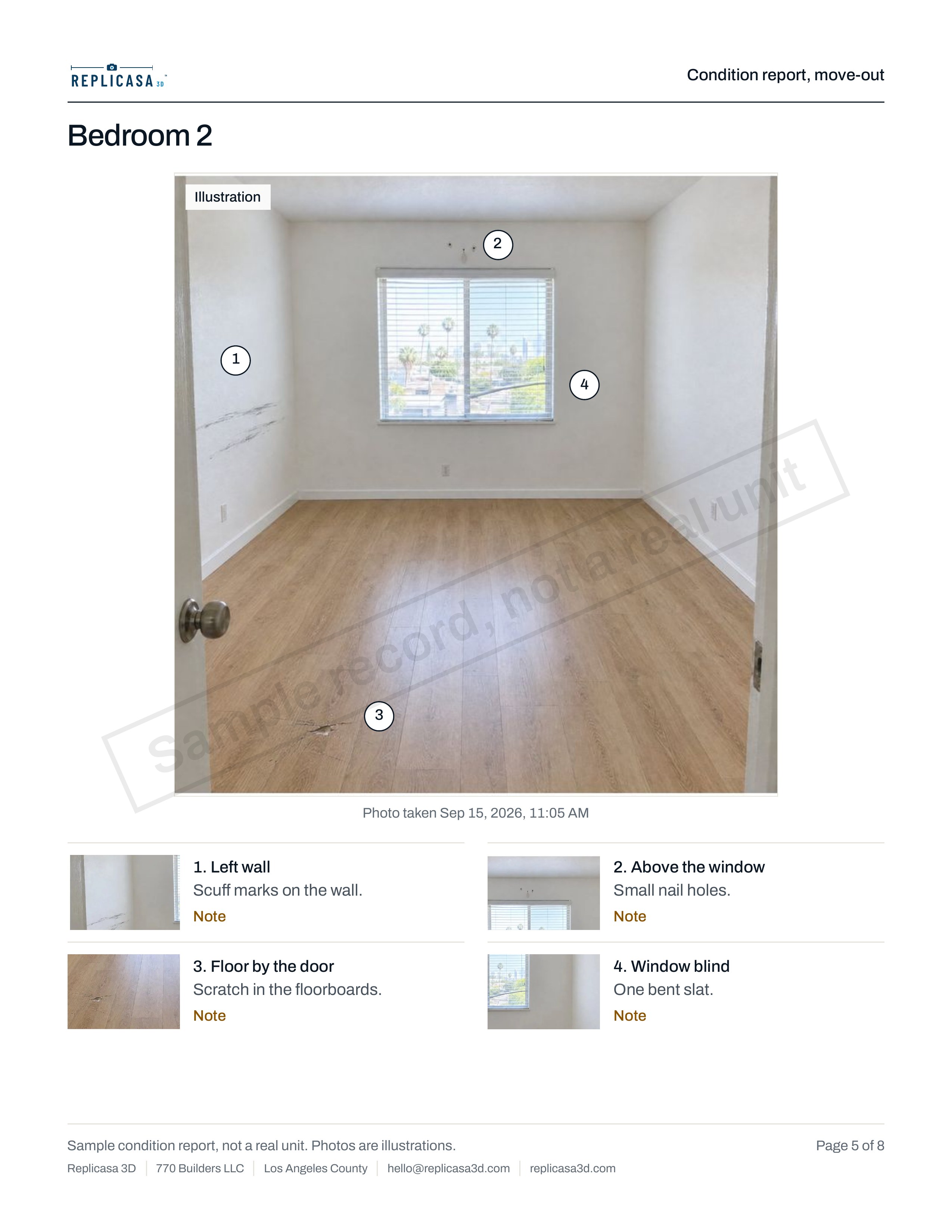
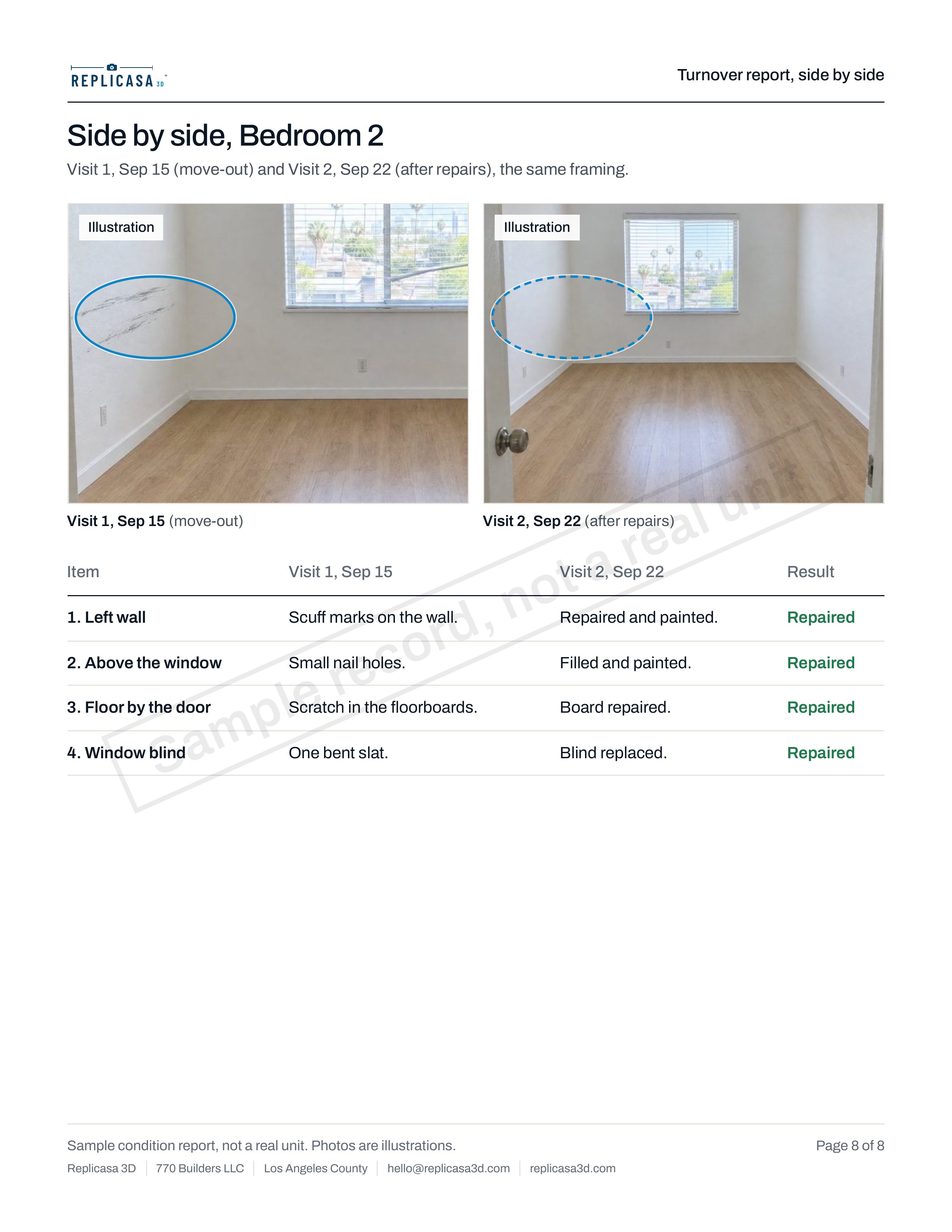
Design and space planning, remodel and ADU feasibility, existing-conditions drawings, leasing plans, listing tours and floor plans, and dated move-in and move-out records. In all of these, the scan saves most of a day of tape measuring and gives everyone the same set of numbers, plus a tour that shows what each number refers to.
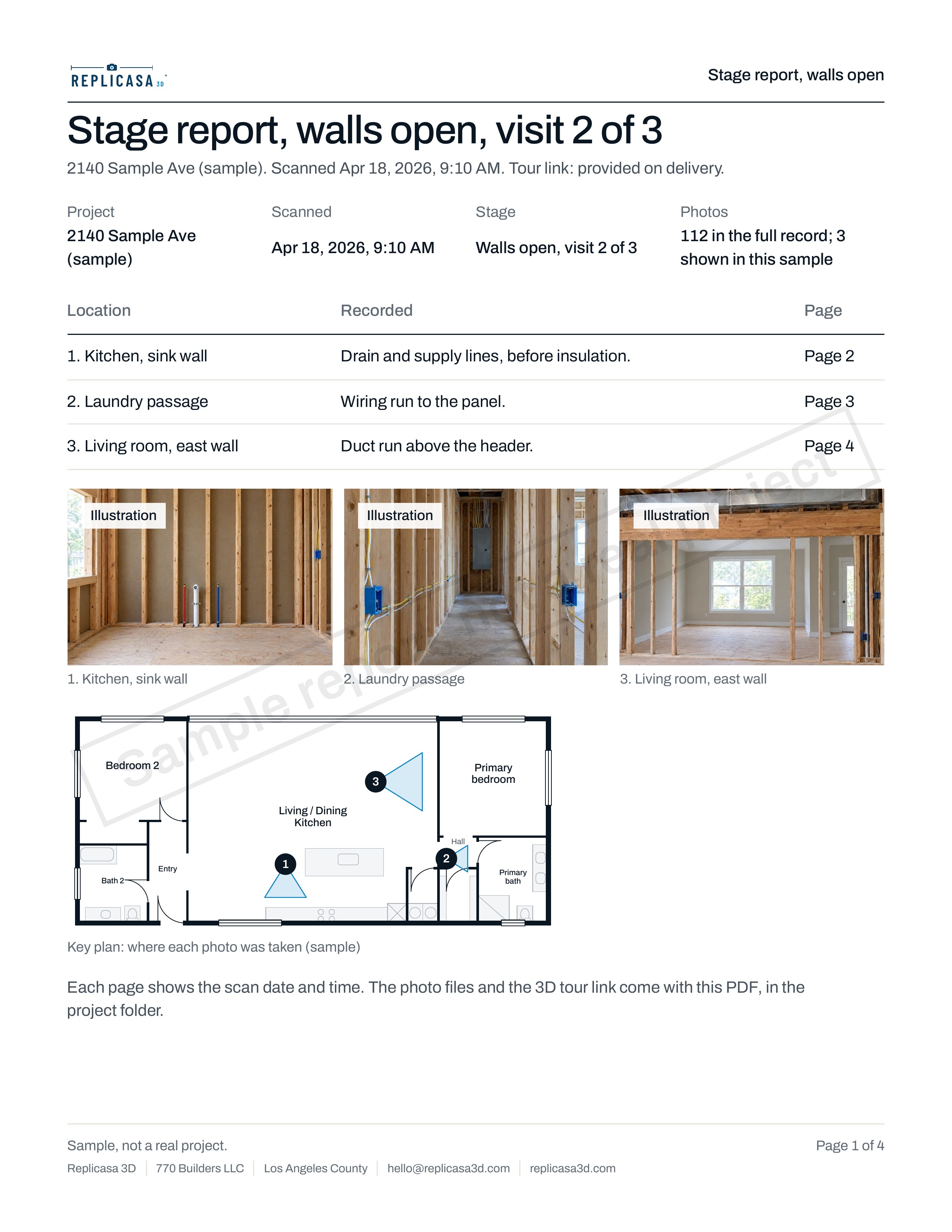
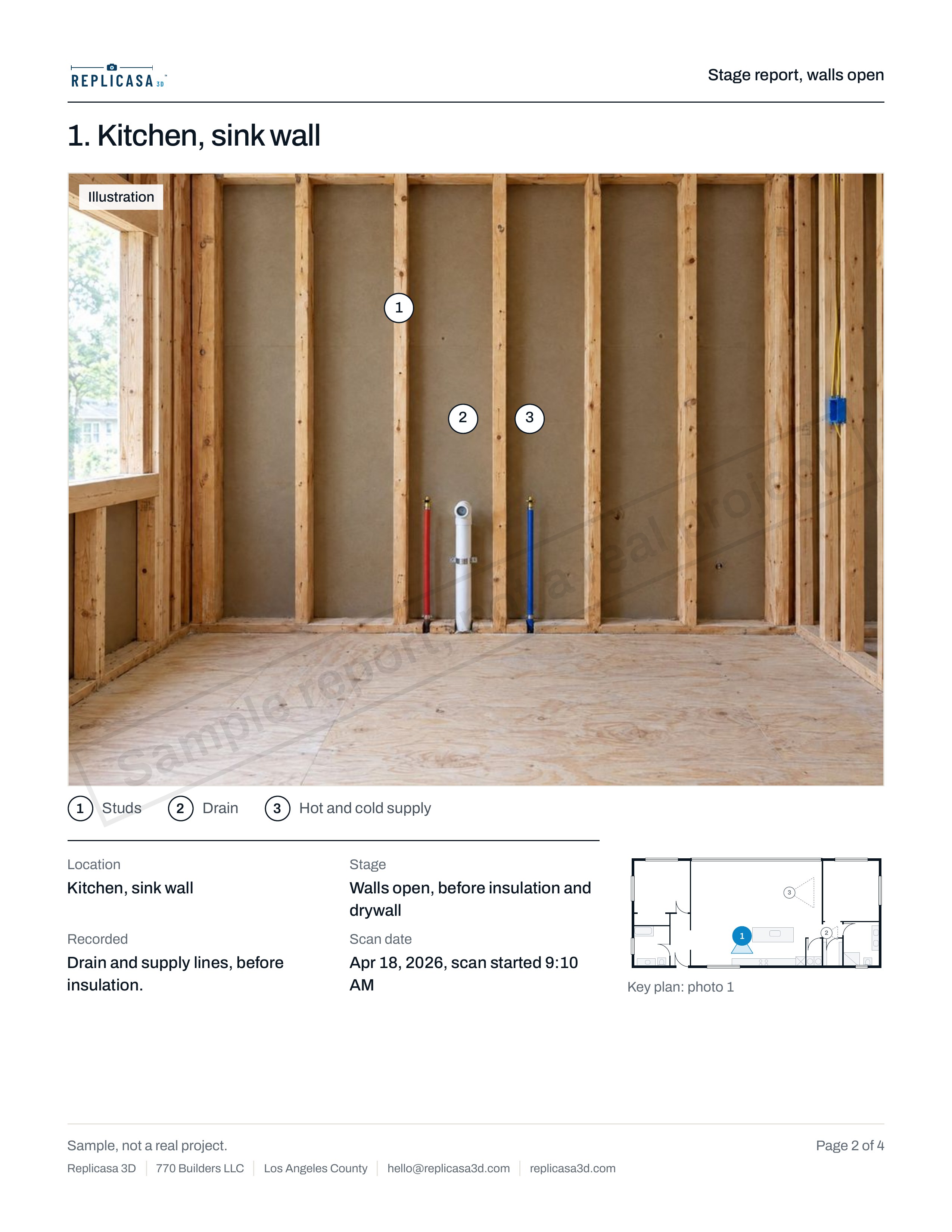
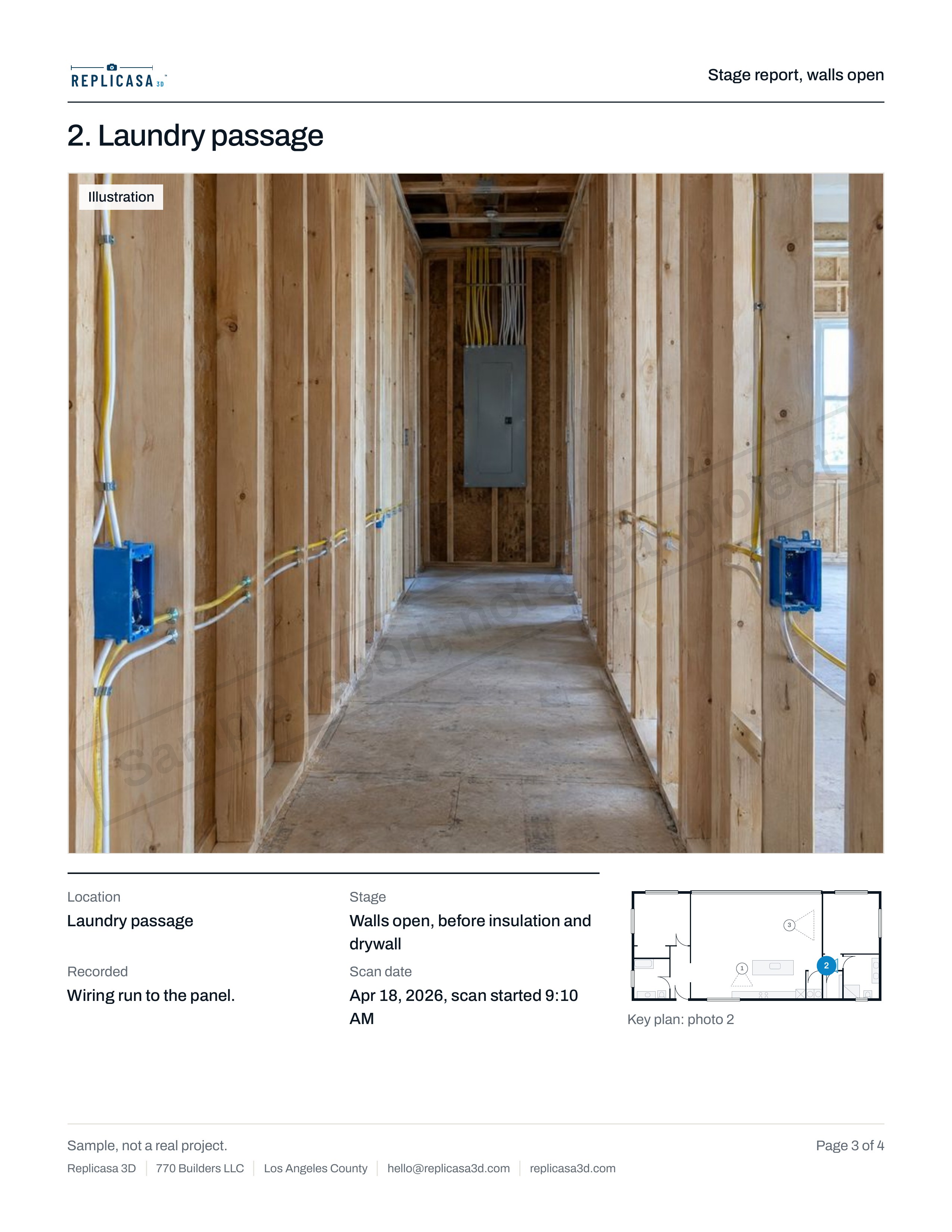
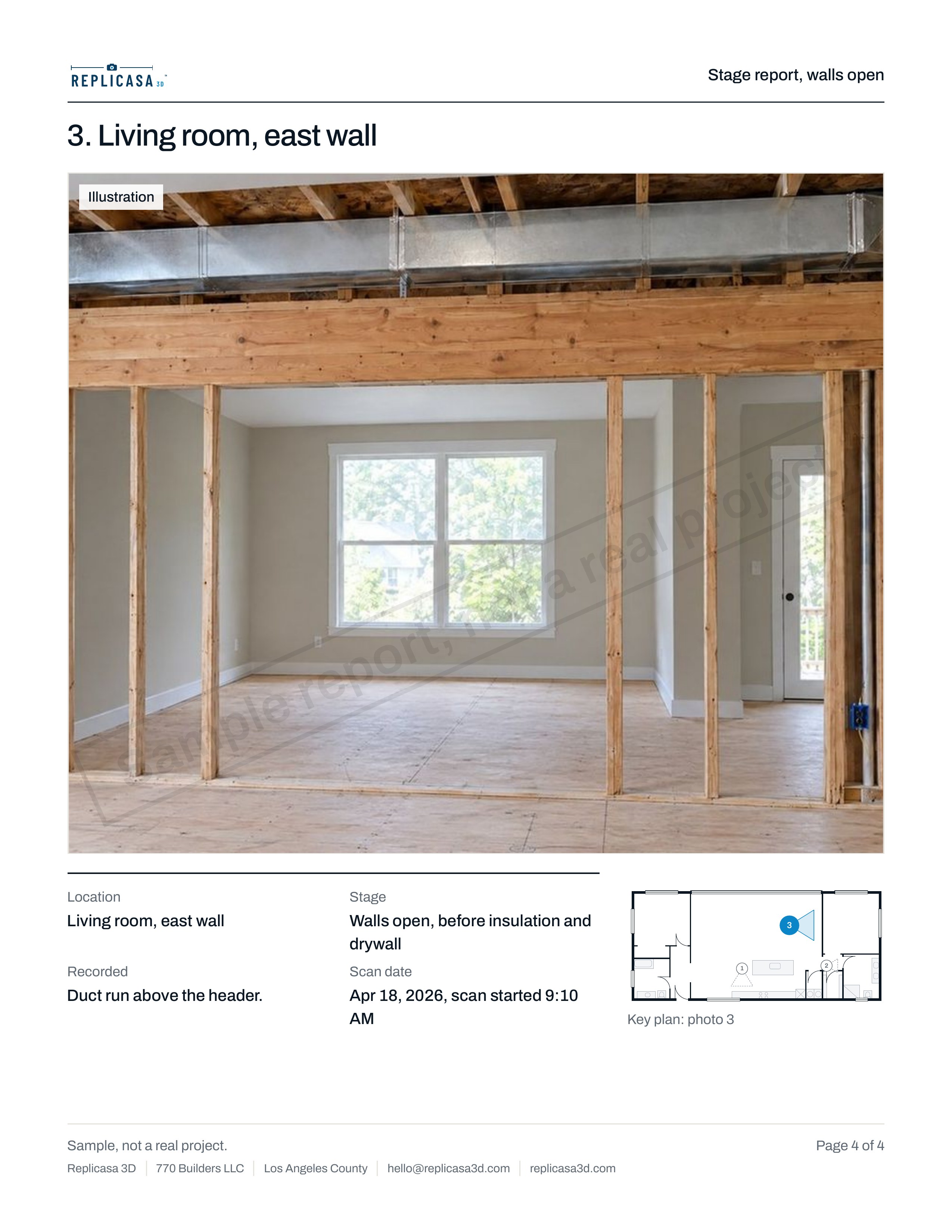
It does not show framing, pipes or wiring inside closed walls, and it is not structural or MEP engineering. If the walls are open, a scan at that stage records what is visible; that is what a walls-open record for contractors is for. The pre-construction documentation guide covers what to record at each stage of a build.
When to use a licensed land professional
A scan measures buildings and rooms. It does not establish where a property line is, and it is not a boundary or topographic map. For these questions, use a licensed land professional:
- Where the property line runs, and whether a fence, wall or building sits on it.
- Setbacks measured from the line, such as for an ADU or an addition close to the side yard.
- Easements, rights of way and anything recorded against the lot.
- Topography, grades and drainage for a site plan.
- Elevations tied to a recorded benchmark, such as for a flood elevation certificate.
- Staking out the corners of a new building before it is built.
The two work well together: the land professional fixes the lot, and the scan records the building on it.
How to check the dimensions that matter
Before you order cabinets, stone, glass or anything built to fit, check the critical dimension on site with a tape or a laser measure. Use the 3D tour to find it first: you can measure any wall in the link before you go, see what is in the way and note where to hold the tape.
- Measure the same opening at the top, middle and bottom. Old walls are rarely plumb, and the scan shows you where to look.
- For cabinets and counters, measure at counter height, not at the floor where baseboards sit.
- For glass and doors, measure the rough opening and note which way it is out of square.
- For stairs, check the rise and run on site; small differences matter there.
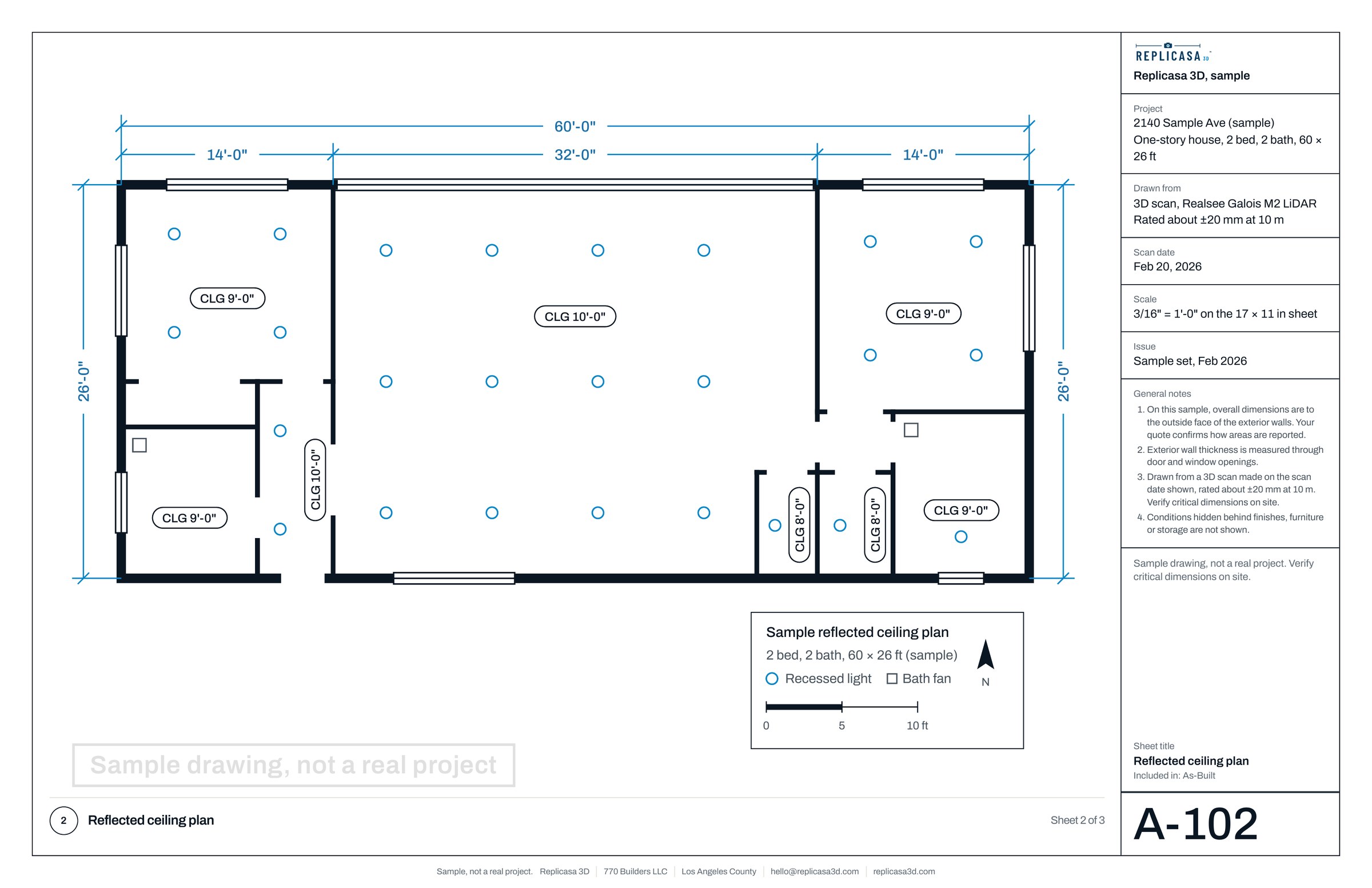
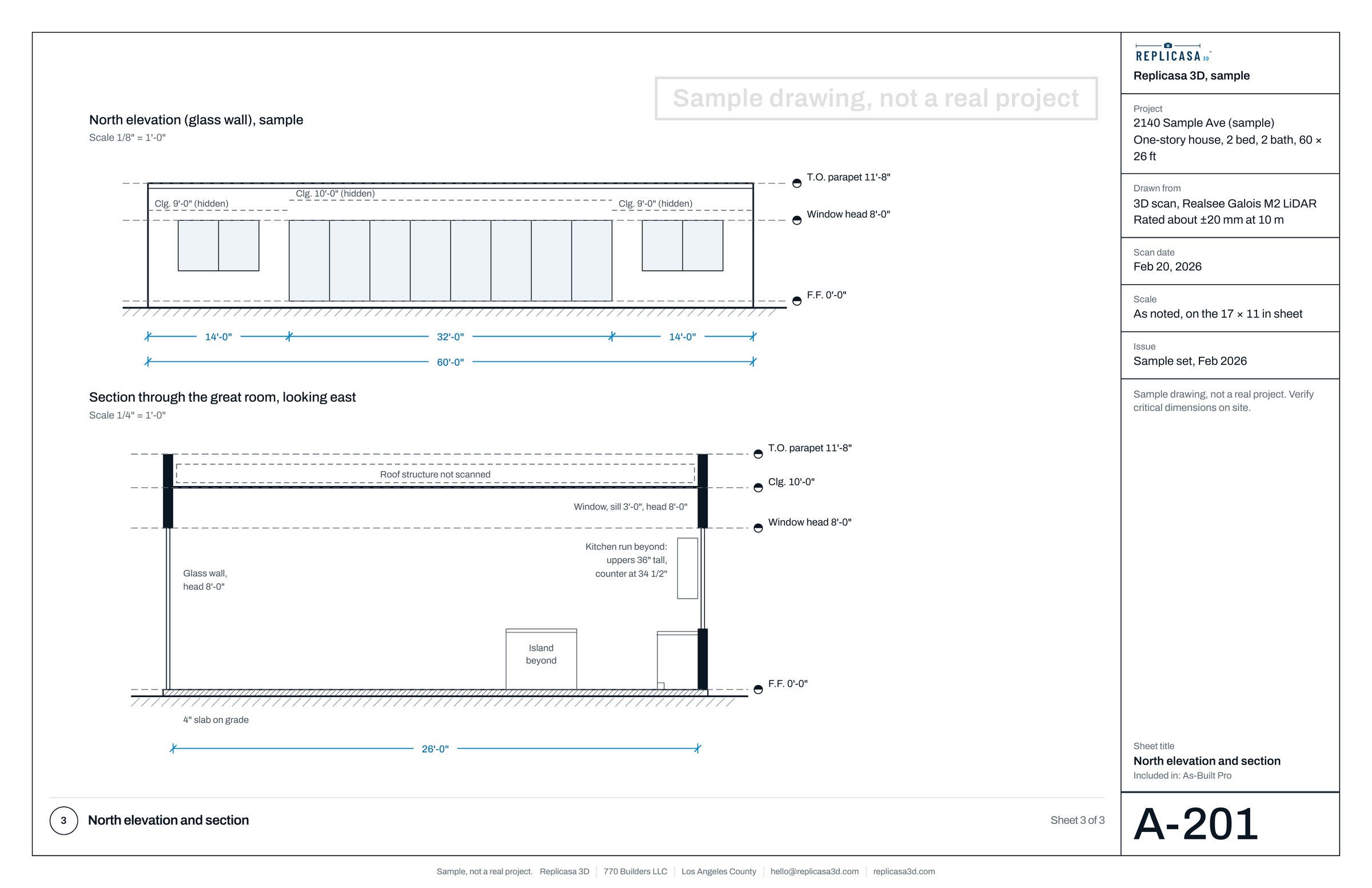
For architects, the scan becomes a Measured Plan or drafted As-Built sheets: see as-built drawings for Los Angeles architects.